Your personal account profile stores your name, profile photo, and login credentials. These settings are separate from the studio settings and apply to your individual user account.
Updating Your Name
- Go to Settings → Profile (click your name/avatar in the sidebar bottom, then Settings).
- Update your First name and Last name.
- Click Save. It appears at the top of the page, not under the fields, and only once you have actually changed something.
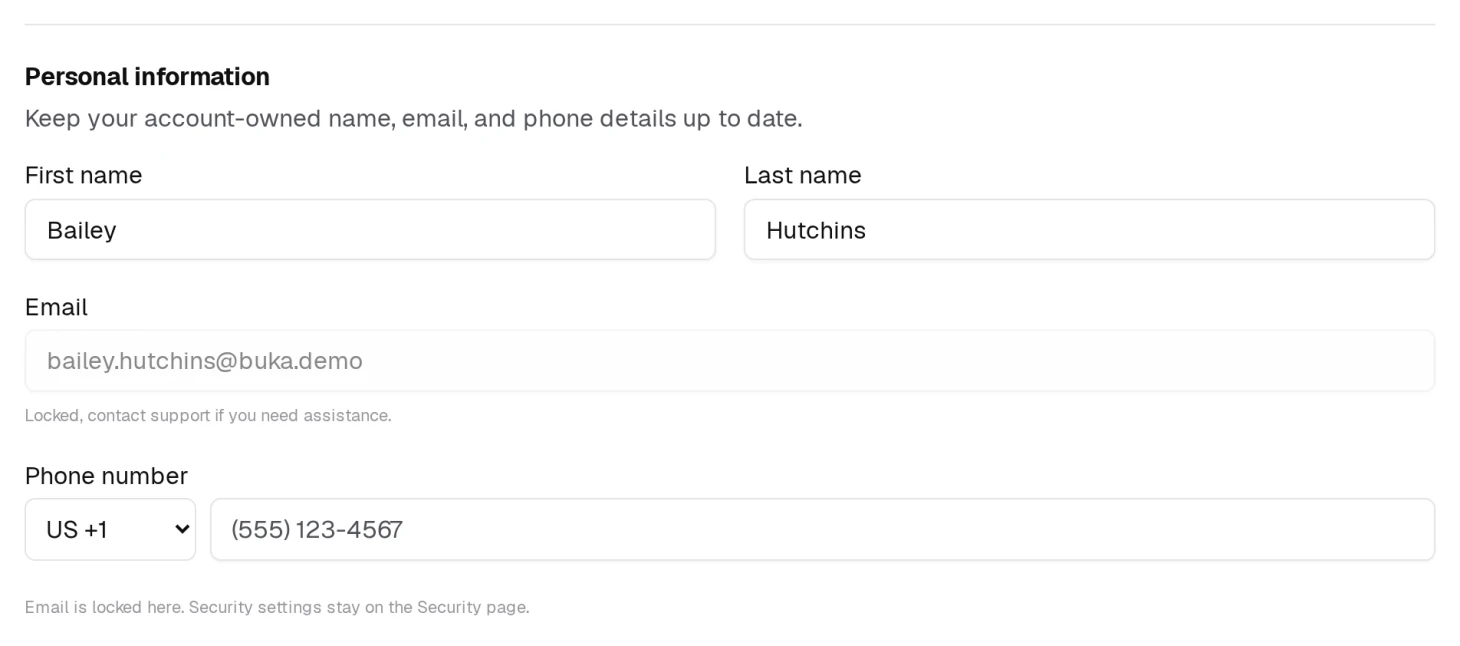
Your email is shown here but cannot be edited — the field is locked and says so. To change it, see Email Address below.
Uploading a Profile Photo
- Go to Settings and click your avatar at the top of the page.
- Pick an image from your device.
- Crop it in the dialog that opens.
- Click Upload photo.
That is the whole thing — there is no separate Save afterwards. Your photo appears in the sidebar and in the staff directory straight away.
Once you have a photo, clicking the avatar opens a short menu instead of the file picker: Change photo to replace it, Remove photo to go back to your initials. That catches people out — the first click behaves differently before and after you have one.
Changing Your Password
- Go to Settings → Security.
- Enter your current password, then your new password.
- Click Save.
See Password and Security for the full page, including two-factor authentication and signing in by text message.
Email Address
Your email address is what you sign in with, and it cannot be changed from inside BukaTime. The field on Settings is deliberately locked, and the Security page offers a password, an authenticator app and a sign-in mobile number — not an email change.
If you need a different address on the account, use Contact Support.
How BukaTime Looks

Appearance sets light, dark, or System — follow whatever the device you are on is set to. It is saved for that device, so your phone and the front desk machine can differ.
Push Notifications
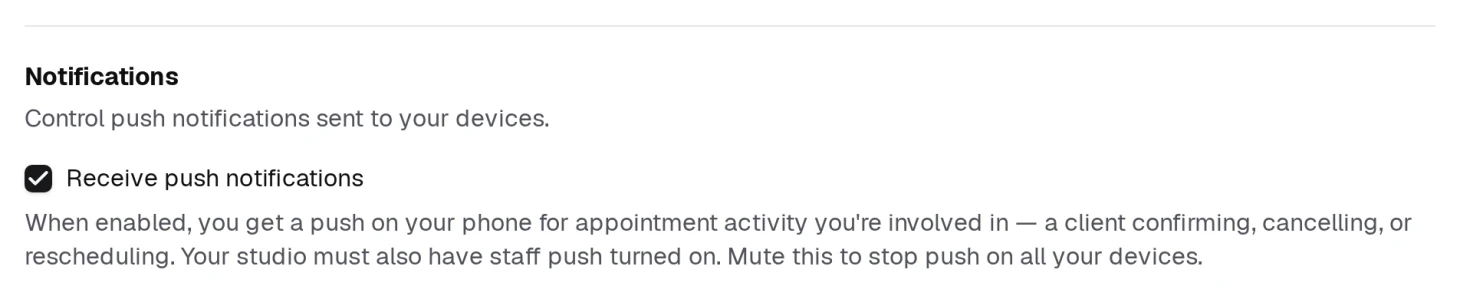
Receive push notifications is one switch for every device you sign in on. With it on, you get a push when a client confirms, cancels or reschedules an appointment you are involved in.
Two things have to be on for a push to arrive: this switch, and your studio's own staff push setting. If you are getting nothing and this is ticked, the studio setting is the next place to look.
Account Security
Under Settings → Security you can also set up two-factor authentication using an authenticator app. See Password and Security for full details.