Setup & admin
Your Studio on Google
Link your Google listing so clients can review you in one tap — and see where else Google turns up in BukaTime.
Most clients look you up on Google before they book. BukaTime does not replace your Google listing — it points clients at it, and leans on Google's own address search so you type less.
There is one thing to set up: linking your listing. Everything else on this page already works.
Linking Your Google Listing
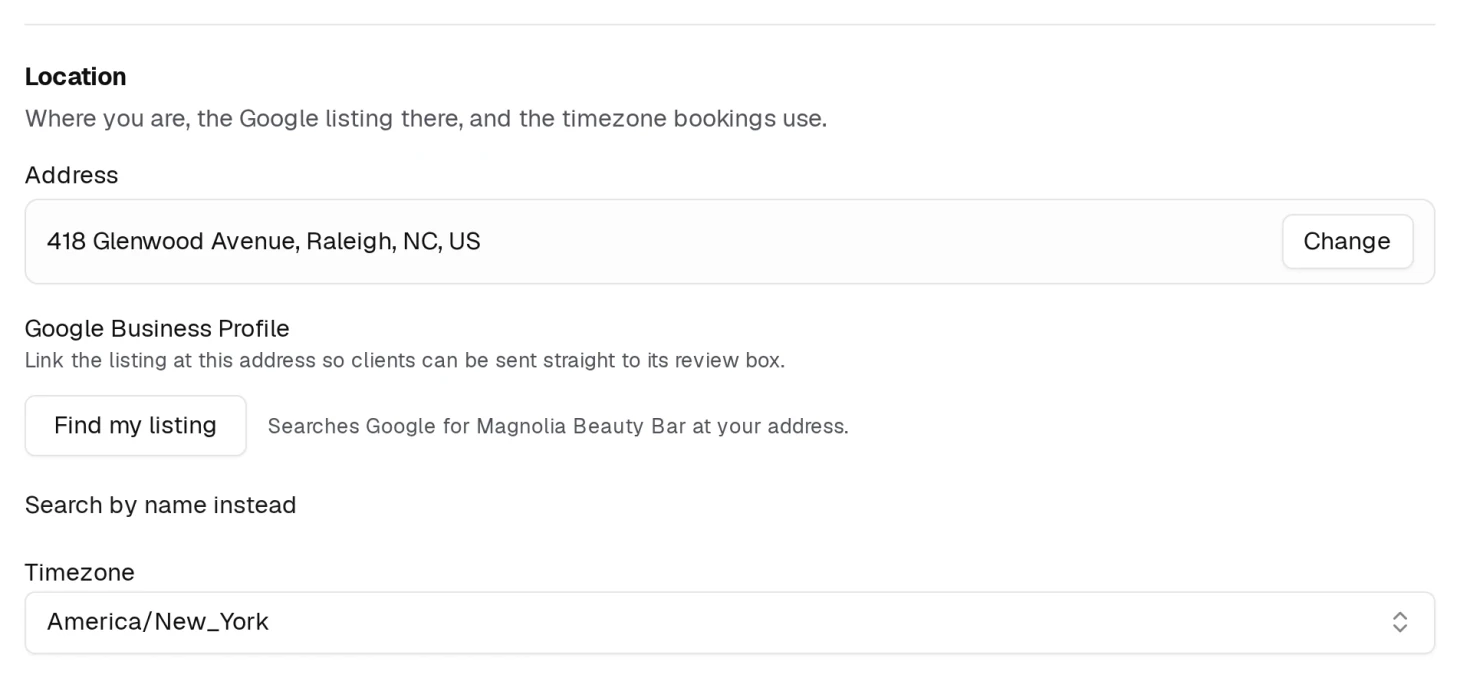
Go to Studio Configuration → General. Your Google listing sits in the Location section, directly under your address — your address is what decides which listing can be found, so the box only appears once you have an address saved.
There is nothing to type. Pick your address and the listings at it appear right below; press Find my listing to look again at any time. If you are in a salon suite or a shared building you will see several — pick yours.
Press Link beside the right one and you are asked to confirm. The confirmation says what you are agreeing to: that the listing is your studio's, that you are authorised to represent it, and that the review and location links BukaTime sends your clients will point at it until you unlink. Cancel backs out and links nothing.

Your studio name has to be filled in before the search will run. An address tells Google which building you are in, not which business inside it is yours. If yours does not come back, Search by name instead lets you type it. If you have no Google listing yet, create one with Google first — there is nothing to link until then.
Unlink removes it, and the review button below goes with it.
What Linking Adds
A Review us on Google button appears in the footer of every page of your website, pointing straight at the review box on your listing — not at a search page the client has to work through.
In settings, Preview the review page opens the same link, so you can see exactly what a client lands on before you send anyone there.
Your Address on the Map
Your main page has a Location & hours section, and your address there carries a View on Google Maps link.
That one needs no setup and no linked listing — it is built from the address you saved. Change your address and the map follows. If the map sends people to the wrong door, the address is what to fix.
Typing In Your Address
When you set your address under Studio Configuration → General, BukaTime searches Google as you type and fills in the city, state and country from the one you pick, so a single choice completes the whole block.
For a new building, or a unit Google has never heard of, Enter the address by hand opens every field for typing. Search for an address instead switches back.
Where Else Google Turns Up
- Google Calendar — a button on the page a client sees right after booking, next to an Apple Calendar one. Your studio name, address, the provider and the reschedule link travel into the event with it.
- Continue with Google — clients can sign in to book with their Google account instead of waiting for a code. Nothing to switch on.
- Being found in search — that is your website's own doing rather than your listing's, and it is covered in Your BukaTime Website.